Seamless & Secure Google Workspace Maintenance & Migration
Professional Services by a Certified Google Cloud Expert
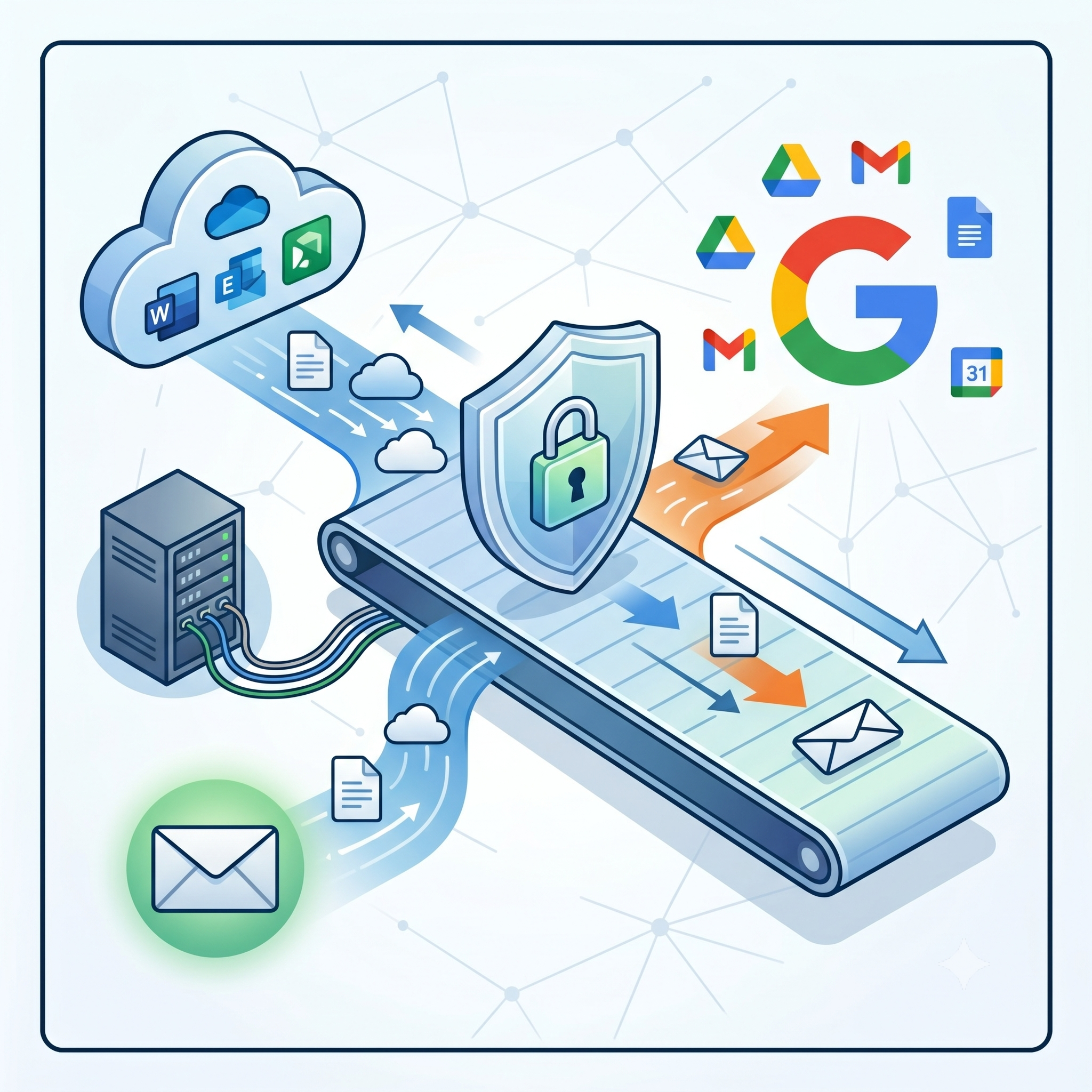
Transitioning your organization to Google Workspace shouldn't be a leap of faith. Whether you are moving from Microsoft 365, on-premise Exchange, or legacy IMAP systems, we provide a strategic, architected approach to ensure your data, identity, and security remain intact.

Why Choose Our Migration Service?
As a Google Cloud Certified Professionals and CNCF experts, we do not just run a tool. We design a migration framework based on Security by Design principles.
Certified Expertise: We hold the Associate Google Workspace Administrator certification, ensuring your environment is configured to Google's best practices from Day 1.
Zero-Downtime Strategy: Using proven methodologies, we ensure your team remains productive throughout the transition.
Security & Compliance: We implement rigorous Identity and Access Management (IAM), 2-Step Verification, and Data Loss Prevention (DLP) rules to protect your sensitive information.
Full-Spectrum Support: From initial audit to end-user training and documentation.
The Migration Roadmap
A structured, zero-downtime approach based on proven best practices.
Phase 1: Foundation & Identity Setup
Before moving data, we build the house. We configure your Google Workspace tenant, link billing, and establish a secure Role & Rights Concept (IAM) to ensure proper access control from day one.
Phase 2: Preparation & Pilot Migration
We mitigate risk by testing first.
Inventory & Mapping: We create a final list of accounts and map them to the new system.
Pilot Run: We migrate a dedicated test account first to validate the data fidelity.
Provisioning: All user accounts are created and prepared for the bulk update.
Phase 3: The Move (Email Go-Live)
The core transition, designed to keep your business running.
Bulk Migration: Historic emails are transferred in the background.
MX-Record Switch: We flip the switch to route new mail to Google Workspace.
Delta-Migration (Critical): We perform a final synchronization to catch any emails that arrived during the transition, ensuring zero data loss.
Cleanup: We identify open points and archive logs from the old provider.
Phase 4: Data Enrichment (Drive, Calendar, Contacts)
A modern workspace is more than just email.
File Migration: We validate data structures and migrate files (e.g., from pCloud/File Servers) to Google Drive.
Collaboration Setup: Calendar resources (room booking) and Contact lists are populated.
Compliance: Configuration of Google Drive locations (e.g., EU-only) and permission structures.
Phase 5: Security Hardening & Optimization
We turn the default settings into an enterprise-grade fortress.
Best Practices: Optimization of Gmail, Chat, and Meet settings.
Security Enforcement: Implementation of 2FA/MFA, strict password policies, and spam filter tuning.
SSO Integration: We set up Single Sign-On (SSO) for your external apps to streamline user access and improve security.
Securing your Domain: We set up best practice records in your domain provider
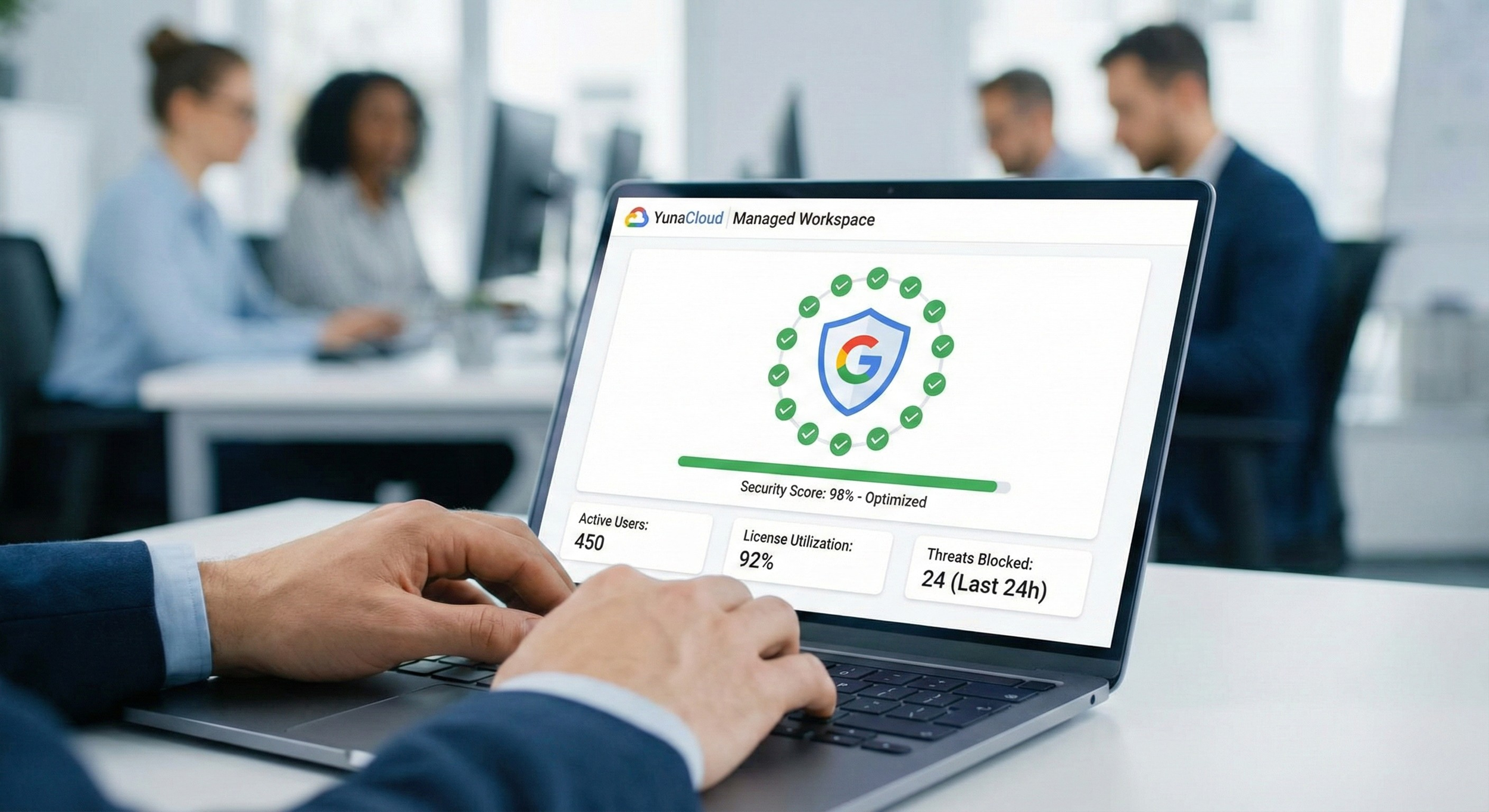
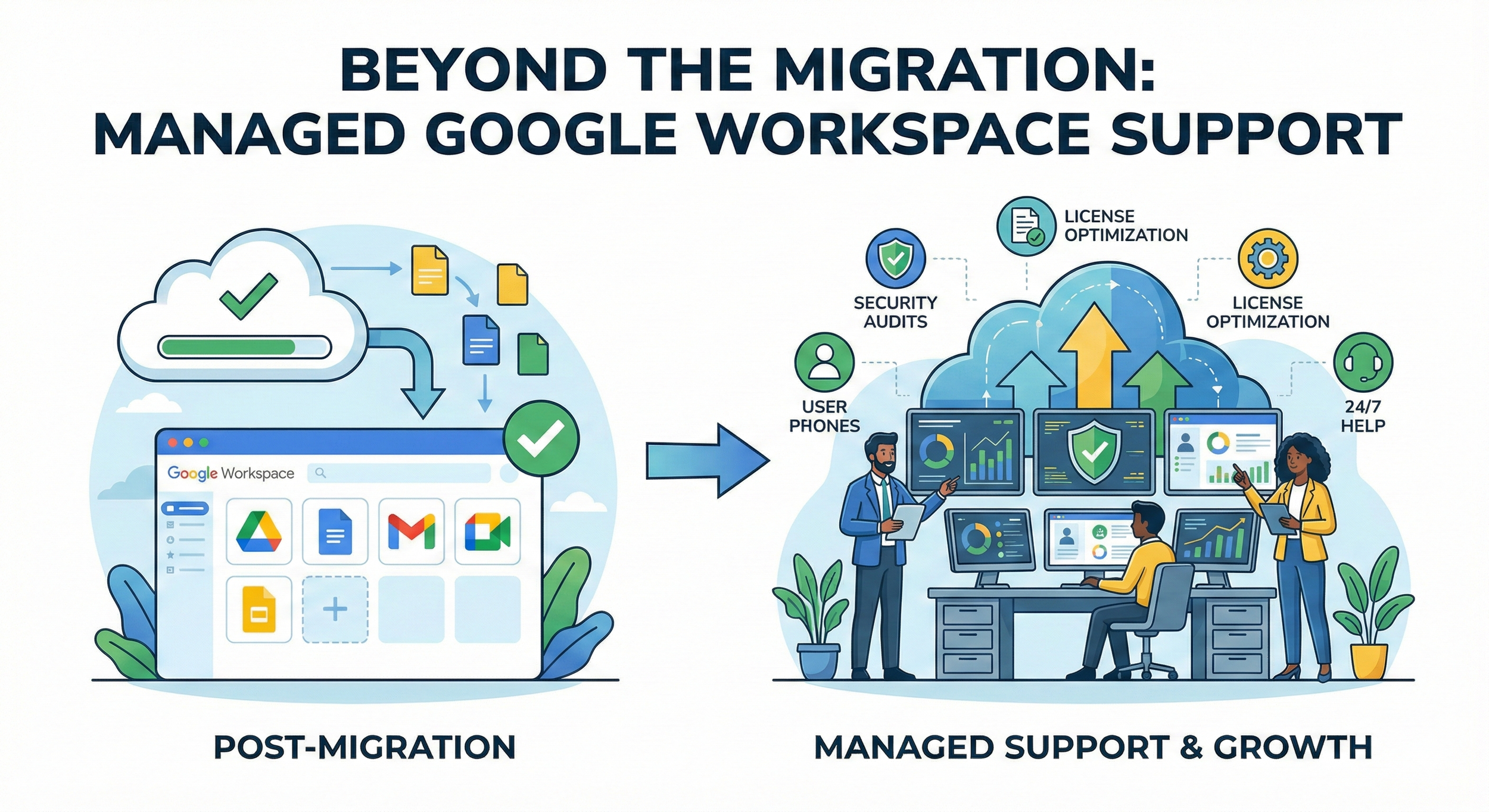
Beyond the Migration: Managed Google Workspace Support
A secure workspace requires constant vigilance. We don't just set it and forget it; we act as your dedicated cloud IT department, ensuring your Google Workspace evolves with your business.
1. Proactive Security & Compliance Audits
Google constantly updates its security landscape. We perform quarterly deep-dives to ensure your environment stays hardened against new threats.
Regular IAM Reviews: Auditing admin privileges to prevent unauthorized access.
DLP Rule Updates: Adjusting Data Loss Prevention policies as your internal data handling changes.
SPF/DKIM/DMARC Monitoring: Ensuring your email deliverability remains high and your domain isn't spoofed.
2. License Optimization & Cost Control
Stop paying for "Zombie Accounts." We actively manage your license usage to ensure you are on the most cost-effective plan.
Usage Analysis: Identifying inactive users and archiving data before license removal.
SKU Management: Upgrading or downgrading specific users based on actual feature needs (e.g., Enterprise vs. Business Standard).
3. User Lifecycle Management (Onboarding & Offboarding)
We standardize the "Joiner, Mover, Leaver" process to save your HR and IT teams hours of manual work.
Automated Provisioning: New hires get access to the right Drive folders, Groups, and Calendars on Day 1.
Secure Offboarding: We instantly revoke access, transfer ownership of critical files, and set up email routing to ensure business continuity when an employee leaves.
4. Tier 2 & Tier 3 Technical Support
When Google support is too slow, we are your direct line to a solution.
Troubleshooting: Resolving complex sync issues with Outlook, mobile devices (MDM), or Drive File Stream.
Feature Training: Helping your team adopt new Google features (like Gemini AI in Workspace) as they are released.
Start your Journey
Ready to launch? Set up your professional workspace in minutes
If you are a startup or small business looking to get started immediately, you don't have to wait. Start your 14-day free trial today and get access to professional email, secure video meetings, and real-time collaboration tools.
🎁 Partner Benefit: We can offer you a 10% discount for your first year. Simply start your trial below and use our exclusive promo code.

Ready to Modernize Your Workspace?
If you're interested in working with us, complete the form with a few details about your project. We'll review your message and get back to you within 48 hours.
Don't risk your data with an uncertified provider. Let’s build a stable, secure, and scalable digital home for your team.